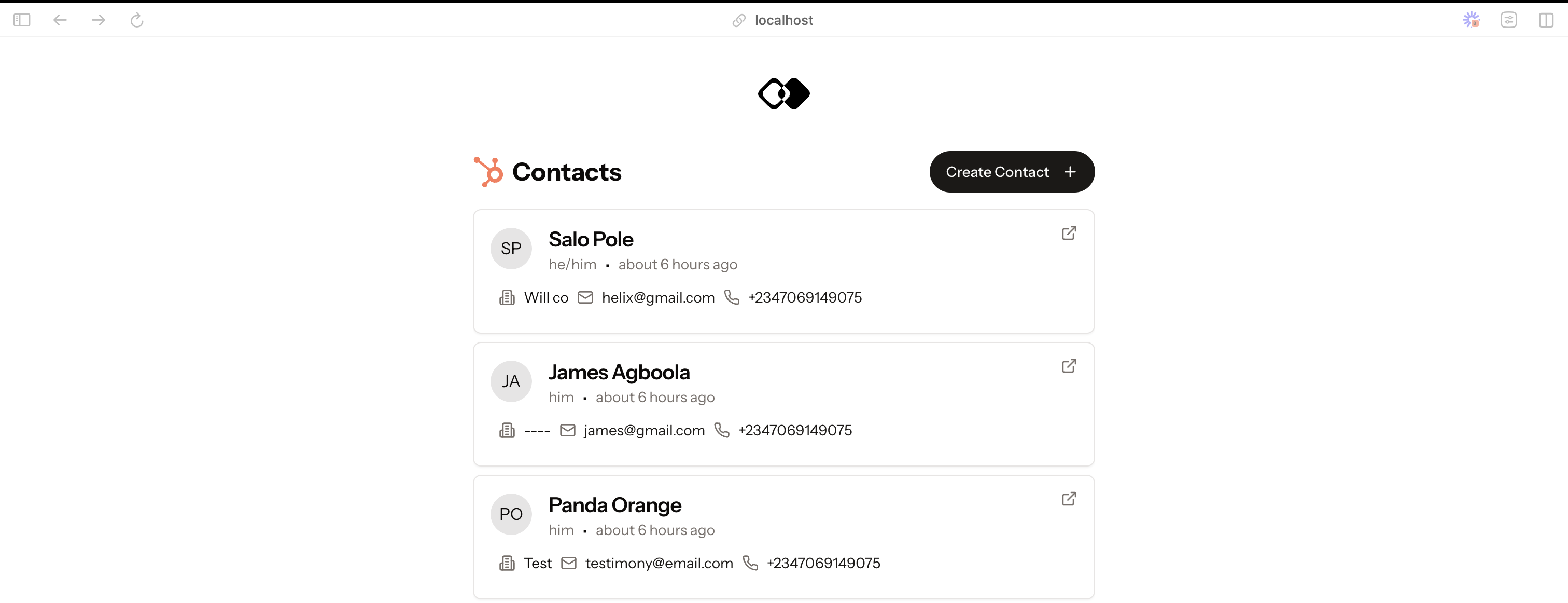
This example demonstrates how to use Integration.app with Hubspot. To test the integration, you need a Hubspot account. If you don’t have one, you can create it here.
We use clerk for authentication. You need to create an account in Clerk. Once you have an account, you need to create a new application. You will need your public and secret key (NEXT_PUBLIC_CLERK_PUBLISHABLE_KEY and CLERK_SECRET_KEY) to authenticate get authentication working in the app.
Integration.app lets to integrate data into your app from different data sources. You can sign up for a free account here.
Once your account is created you will need to setup add the Hubpot app and create two actions:
- list-contacts (to list all the contacts)
- create-contact (to create a new contact)
If you actions have different names, you’ll need to update your .env.local file with the correct action names.
You can also import this template into your workspace: Import template — This doesn’t actually work yet, it’s only a proposal.
-
Clone the repo
git clone
-
Install NPM packages
npm install
-
Enter your Integration.app and Clerk keys in
.env.local. Copy the.env.local.examplefile and rename it to.env.localto get started:
cp .env.local.example .env.local
- Run the app
npm run dev
- Open http://localhost:3000 to view it in the browser.
- Enhance TypeScript support by developing a CLI tool that generates types based on the actions schema.
- Provide extensive usage examples to help users understand various use cases.
- Establish a Discord community to offer support and foster engagement with customers.
- Improve the existing documentation to make it more comprehensive.
- Ensure the authenticated workspace ID is passed back to the URI as current Hubspot URI is missing the workspace ID.
- Fix the UI issue that prevents creating an output schema from being created, as the interface is currently unstable.
- Implement a feature to clone actions, which would be beneficial for testing and experimenting with different examples.
- Use integration.app pagination in the UI
- Make UI responsive

Leave a Reply